Internet And The World Wide Web
PPTSummary
FTP is File Transfer Protocol.
Steps to web publishing:
1. Plan the website.
2. Analyze and design the website.
3. Create the website.
4. Deploy the website.
5. Maintain the website.
My self-assessment point is 2.
After I have read the 57 slides and looked at Lesson 1,
I learnt that:
- The World Wide Web has so many functions
- What is FTP
- How to Publish a Website
- The History Of the Internet
- The Netiquette of internet
- Other Internet Services
- Structure Of the internet
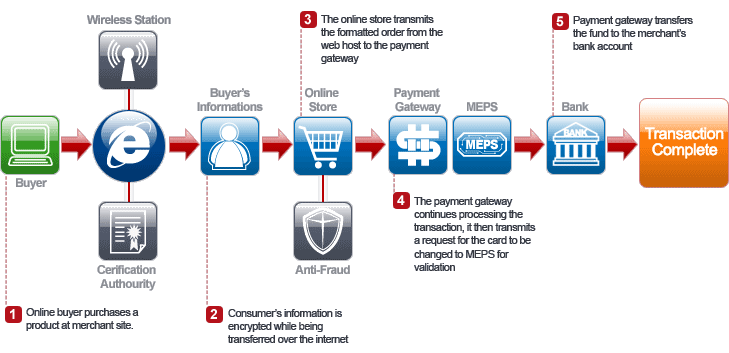
- Electronic Commerce
- Web Terminology
- New Media

Videos
Web 2.0
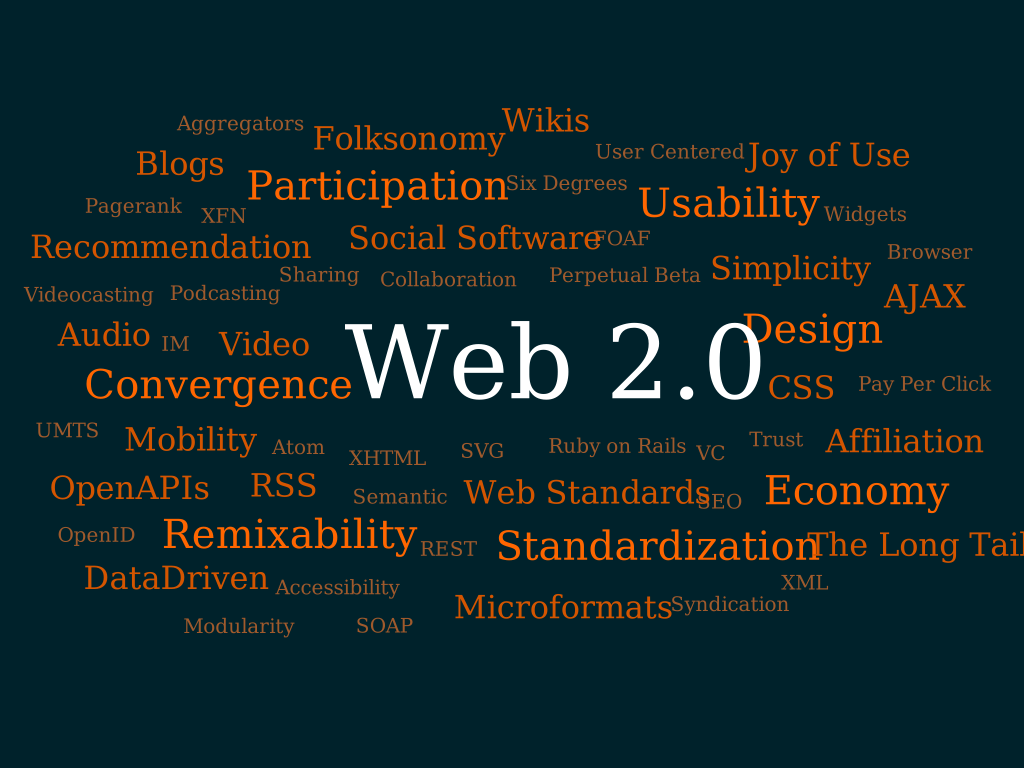
- Web 2.0 sites allows users to interact and collaborate with each other in a social media dialogue as creators of user-generated content in a virtual community, in contrast to websites where user are limited to the passive viewing of content that was created for them.
- Examples of Web 2.0 include social networking sites, blogs, wikis, video sharing sites, hosted services, web applications.
- Web 2.0 allows the webmaster and viewers to edit or add information into the website.
- Web 2.0 allows people to share information.
- Everything is connected in Web 2.0.

Videos
HTML
During our infocomm lesson today, we learnt about HTML.
Here's what I've learnt:
- HTML is Hypertext Markup Language.
- HTML is the universal markup language for the Web.
- HTML lets you format text, add graphics, create links, input forms, frames and tables,etc and save it all in a text file that any browser can read and display.
- I have learnt how to use notepad and using HTML code structure, create a webpage.
- HTML has 3 tags : start tag, content and end tag.
- I have learnt how to add an image and make a hyperlink using html
- I have learnt how to save a notepad into a HTML file
- HTML is the 'backbone' of all websites and webpages
- HTML is a platform which everyone can use to create websites and webpages
- The latest version of HTML is created this year. It is called XHTML.
file:///H:/Others/profile_css.html


No comments:
Post a Comment